
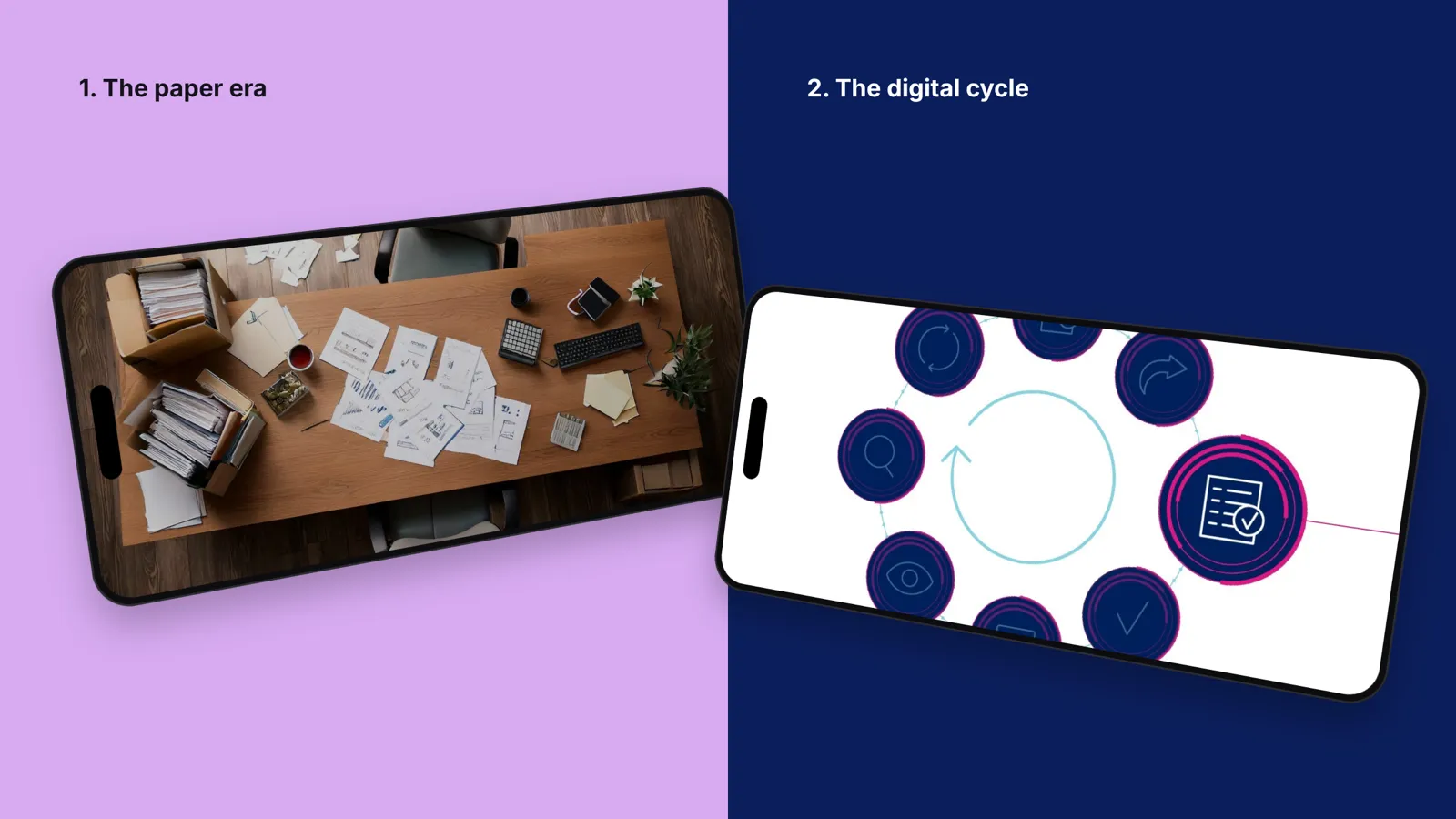
Seven hundred parts.
Paper records go digital, starting with the reasons, not the buttons.
AI change management is about people, not licences. New tools fail quietly: the training happened, and people go back to what they know. We help them understand the tool, trust it and use it properly.
A free first call. You bring the subject, we bring how we’d approach it.
People know what the new tool is for, in their job, not in the vendor’s demo. They’re honest about what it can’t do and confident about what it can. They know the rules: what data goes in, what needs checking. And usage grows because people find it useful, not because a dashboard is watching.
Most AI rollouts track licences and logins. AI change management looks at something else: whether people trust the tool enough to change how they work.
Generic demos impress and then fade. Show each team the two or three tasks where the tool saves them time this week, using their own documents.
People worry about what the tool means for their role. Be specific: which tasks it takes on, which decisions stay with people, and who is accountable for the output.
People need to know what data can go in, which tools are approved and who to ask. Our image rights and AI course boiled this down to four questions anyone can ask.
When we helped a client move the records for a helicopter’s 700-plus tracked parts from paper to digital, the training started with why the change mattered, then showed how. Button-by-button training on its own is forgotten fast.
In every team, someone gets good at the tool first. Give them time to share what works, and let their examples replace your slides.
Licences and training completions say little. Look at what people actually use the tool for, where they stop, and what they go back to.
Paper records go digital, starting with the reasons, not the buttons.
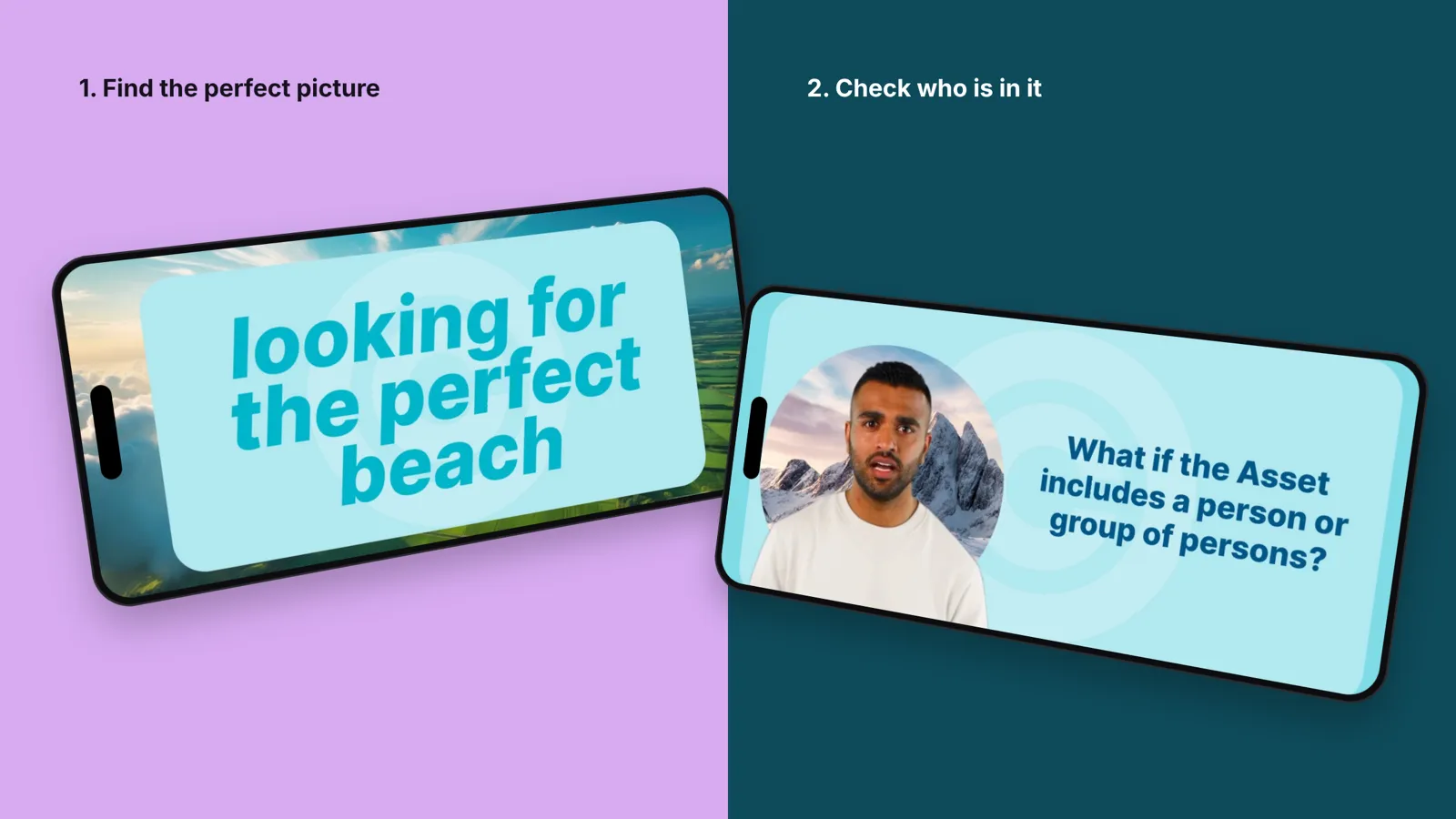
Image rights and AI, taught as four questions anyone can ask.
Tell us about it. In one conversation, we’ll tell you what we’d do and whether we’re the right people. No fee, no obligation.
Test us on one subject